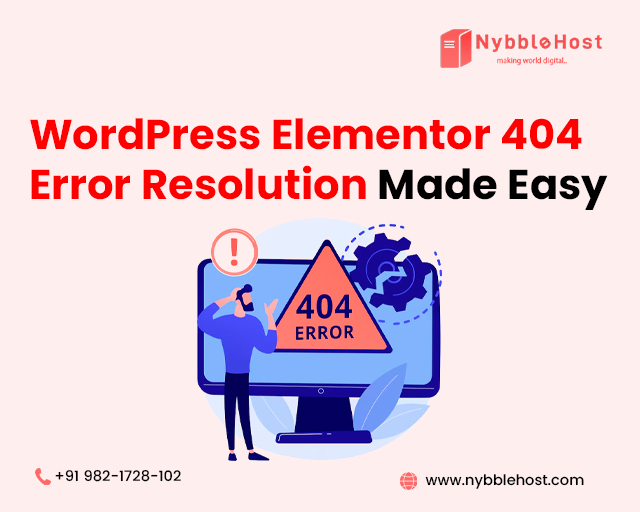
Encountering the WordPress Elementor Error 404 can be frustrating, especially when you’ve invested time and effort into designing your website. WordPress Elementor Error 404 can be resolved with simple troubleshooting steps. WordPress Elementor Error 404.
Understanding the Error
The 404 error occurs when Elementor’s routing system fails to locate a page or post, often due to:
- Incorrect page slug or permalink
- Misconfigured page template
- Incompatible plugins or themes
- Caching issues
Troubleshooting Steps
- Check Page Slug and Permalink: Ensure the page slug matches the permalink.
- Verify Page Template: Confirm the correct page template is assigned.
- Disable Plugins: Temporarily disable plugins to identify conflicts.
- Clear Cache: Clear browser and website cache.
- Update Elementor and WordPress: Ensure both are up-to-date.
Advanced Solutions
- Check .htaccess File: Verify the file is correctly configured.
- Reset Elementor Settings: Restore default Elementor settings.
- Re-save Permalinks: Re-save permalink settings.
Preventing Future Errors
Regularly update Elementor, WordPress, and plugins.
Use compatible themes and plugins.
Monitor website performance.
Expert Solutions with Nybble Host
Don’t let WordPress Elementor Error 404 hinder your website’s success. NybbleHost’s expert team provides top-notch WordPress hosting and support. Resolving WordPress Elementor Error 404 is simpler with Nybble Host.
Get Instant Solutions with NybbleHost!
Visit to explore our optimized WordPress hosting plans and expert services. Say goodbye to WordPress Elementor Error 404 and hello to a seamless website experience!
👉 Visit Nybble Host today to find the perfect hosting plan for your needs!